


88% Discount Offer Ends in



Original price was: £175.00.£21.00Current price is: £21.00.
Add to Cart
Enrol Now
Or
- Original price was: £175.00.£21.00Current price is: £21.00.
- 1 year
- Level 5
- Course Certificate
- Number of Units421
- Number of Quizzes12
- 1 day, 15 hours Gift this course
 Gift this course
Share Link on 


Instructors
Buying more than one of the same courses?
- 45% discount for orders of 10+ courses
- 55% discount for orders of 50+ courses
- 65% discount for orders of 100+ courses
Looking for a more personalised package?
contact us now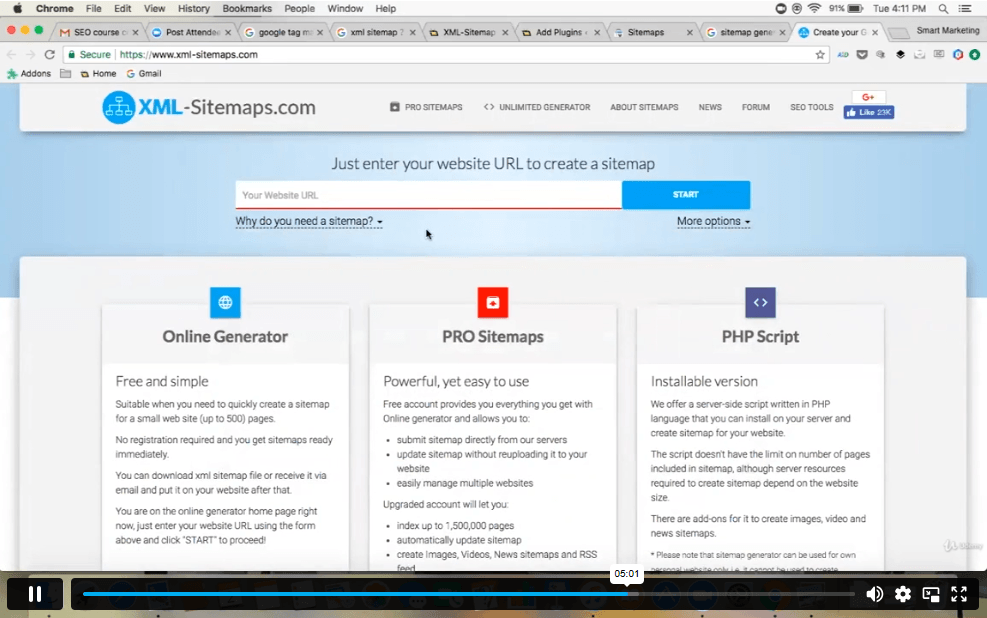
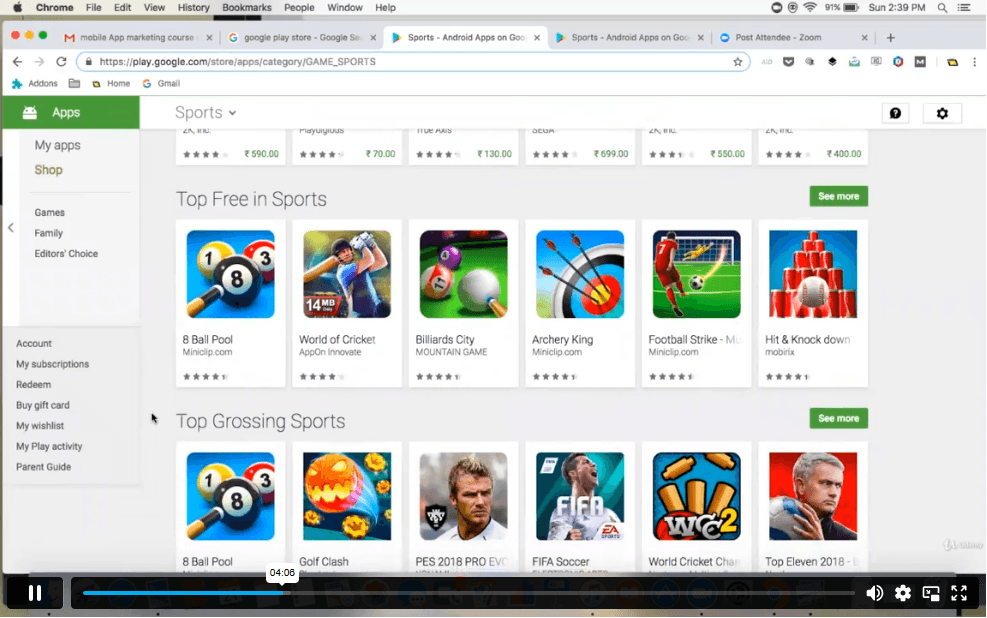

Hello, This digial marketing Advanced Level 5 course have covered almost all relevant latest skills for online marketing even though it a video. Thanks and Kind regards, Manfred Tanyi Takor
Course Curriculum
| Update Version - Digital Marketing Advanced Diploma Level 5 | |||
| Introduction | |||
| Welcome | 00:01:00 | ||
| General Tips & Tricks Series | |||
| How to register your company | 00:04:00 | ||
| How to see Email Sender’s Company and Logo in Your Gmail | 00:02:00 | ||
| How to Generate sitemap of a website | 00:03:00 | ||
| How to protect a website from Spam on WordPress | 00:02:00 | ||
| Quick way to identify whether the website is Mobile optimized | 00:03:00 | ||
| How to identify registration data of website | 00:01:00 | ||
| How to identify duplicate content from the web | 00:03:00 | ||
| How to create google alerts | 00:03:00 | ||
| How to find the age of the domin | 00:02:00 | ||
| How to check if the website server is down | 00:01:00 | ||
| How to create text notes thatwill self destruct after being read | 00:02:00 | ||
| How to send google search information to your friends | 00:03:00 | ||
| How to find webhost of any website | 00:02:00 | ||
| Discover new sites that are similar to what you like alredy | 00:03:00 | ||
| How to easily highlight the important parts of a web page | 00:01:00 | ||
| How to share you email online without worrying about spam | 00:02:00 | ||
| How to get compute level answers without searching | 00:03:00 | ||
| The easiest way to setup email reminders | 00:03:00 | ||
| How to find the original URL tht’s hiding behind a short URL | 00:02:00 | ||
| How to corrupt a file you shared online | 00:01:00 | ||
| How to create a throwaway email | 00:02:00 | ||
| How to check if your email account has been compromised | 00:01:00 | ||
| SEO (Search Engine Optimisation) | |||
| How to register website on Google search console | 00:06:00 | ||
| How to Optimize your website homepage | 00:06:00 | ||
| How to add a sitemap on google search | 00:07:00 | ||
| How to shortlist targeted keyword list in google keyword planner | 00:08:00 | ||
| How to set international targeting on google search | 00:02:00 | ||
| How to remove a URL from google search engine | 00:03:00 | ||
| How to identify competitors keyword | 00:08:00 | ||
| How to leverage top sites to get on google search results | 00:04:00 | ||
| Discover powerful data analytics to mesure SEO performance | 00:06:00 | ||
| How to do keyword research | 00:11:00 | ||
| How to write perfect title tags for search engines | 00:05:00 | ||
| How to optimise heading tags, external and internal links | 00:08:00 | ||
| What are backlinks & how to get them | 00:06:00 | ||
| How to write a perfect Meta description | 00:06:00 | ||
| How to enhance speed & performance of your website | 00:04:00 | ||
| YouTube | |||
| Youtube account setup | 00:04:00 | ||
| Account optimization | 00:09:00 | ||
| How to create & setup Youtube channel banner | 00:05:00 | ||
| Youtube channel tags, thumbnails & custom thumbnails | 00:08:00 | ||
| Analyse Youtube keyword research | 00:05:00 | ||
| Youtube SEO techniques | 00:07:00 | ||
| What are Youtube cards & how does it work | 00:06:00 | ||
| How to optimise comments & reply them in bulk | 00:03:00 | ||
| How to grow your channel with competitor Analysis | 00:07:00 | ||
| How to manage multiple YouTube accounts | 00:02:00 | ||
| A simple yet powerful trick to increase your subscribers list | 00:03:00 | ||
| Youtube Paid Advertising | 00:13:00 | ||
| How to monetise your YouTube channel | 00:02:00 | ||
| Google Adwords | |||
| What are Google Ads & how does it work | 00:16:00 | ||
| Account setup | 00:04:00 | ||
| Competitors analysis | 00:08:00 | ||
| Campaign types & how to select the right campaign | 00:07:00 | ||
| Bids & Budgets | 00:08:00 | ||
| How to target the right audience | 00:07:00 | ||
| Google Ads advance campaign settings | 00:07:00 | ||
| Choosing the right keywords | 00:05:00 | ||
| How to write ads that gets more clicks | 00:06:00 | ||
| Google Analytics | |||
| How to install tracking code on your website | 00:04:00 | ||
| How to add filters & remove internal traffic | 00:04:00 | ||
| How to track paid campaigns | 00:04:00 | ||
| How to look and analyse different segment data | 00:06:00 | ||
| How to configure goals in google analysics | 00:05:00 | ||
| How to link google Adwords account | 00:03:00 | ||
| How to manage multiple analytics accounts | 00:02:00 | ||
| How to remove spam traffic | 00:04:00 | ||
| Email Marketing | |||
| Email marketing tools set up ( Mailchimp and Gestresponse) | 00:10:00 | ||
| How to install signup or popup forms on the website | 00:17:00 | ||
| How to collect email address without a wbsite | 00:05:00 | ||
| How to create a ‘Hook’ to your signup forms | 00:08:00 | ||
| Discover the psychology behind acquiring more leads | 00:09:00 | ||
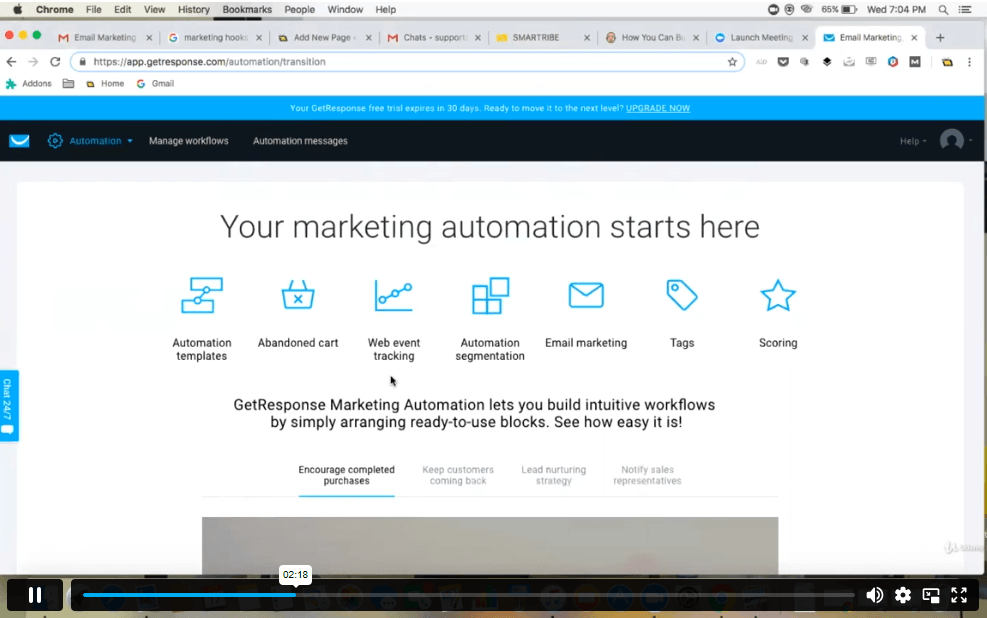
| Email marketing automation process | 00:08:00 | ||
| Email analytics | 00:07:00 | ||
| Linkedln | |||
| How to increase your connections in no time | 00:08:00 | ||
| Secret of LinkedIn InMails | 00:05:00 | ||
| Discover the best ways to use Linkedin Groups | 00:09:00 | ||
| How to setup a company page on Linkedin | 00:04:00 | ||
| How to increase traffic to your website using Linkedin blog | 00:07:00 | ||
| Twitter Account setup | 00:03:00 | ||
| Knowing Twitter features | 00:06:00 | ||
| Following twitter accounts | 00:03:00 | ||
| Twitter profile optimisation | 00:06:00 | ||
| How to get Twitter followers | 00:10:00 | ||
| Posting first 5 tweets for engagement | 00:05:00 | ||
| Leveraging Hashtags to increase your tweets visibility | 00:04:00 | ||
| What are twitter polls & how do you use them | 00:05:00 | ||
| A powerful trick to acquire customers on twitter | 00:03:00 | ||
| How to get followers retweet your post | 00:03:00 | ||
| How to embed a twitter button to your website or post | 00:02:00 | ||
| Twitter analytics | 00:04:00 | ||
| Set your Facebook page | 00:05:00 | ||
| Facebook Icon, cover image & description | 00:06:00 | ||
| How to get your first page likes | 00:08:00 | ||
| Discover how to increase your page likes | 00:02:00 | ||
| How to manage multiple Facebook page | 00:03:00 | ||
| Facebook comments | 00:05:00 | ||
| Leveraging Facebook groups | 00:05:00 | ||
| Facebook Autoposting | 00:04:00 | ||
| Run a competition | 00:06:00 | ||
| Facebook Ads | 00:04:00 | ||
| How to get best out of Facebook | 00:15:00 | ||
| Facebook pixel & Re-marketing | 00:04:00 | ||
| How to setup a Instagram business profile | 00:07:00 | ||
| Set up Instagram bio & profile image | 00:03:00 | ||
| Leveraging Instagram accounts | 00:06:00 | ||
| A simple way to create free content on Instagram | 00:05:00 | ||
| Secret of hashtags on Instagram | 00:04:00 | ||
| Reposting Instagram App | 00:04:00 | ||
| How to get genuine Instagram followers | 00:05:00 | ||
| Discover how to grow your business through Instagram stories | 00:05:00 | ||
| How to get your posts reposted on Instgram by influncers | 00:05:00 | ||
| Mobile App | |||
| A quick way to do App store marketing research | 00:16:00 | ||
| How to discover the estimate size of your market | 00:08:00 | ||
| Discover the best ways to promote your app | 00:15:00 | ||
| App installs via Facebook Ads | 00:16:00 | ||
| App installs via Google Ads | 00:14:00 | ||
| How to make money from your app | 00:08:00 | ||
| How to optimise your App store listing ? | 00:14:00 | ||
| Discover growth hacking techniques for App downloads | 00:09:00 | ||
| Techniques to get to the top of App store ranking | 00:07:00 | ||
| Old Version - Digital Marketing Advanced Diploma Level 5 | |||
| Module 01: Introduction Digital Marketing & Target Audience | |||
| Introduction | |||
| Digital Marketing | 00:02:00 | ||
| DMM Intro | 00:02:00 | ||
| Digital Marketing Strategy in 10 Minutes | 00:09:00 | ||
| Define Your Business & Target Audience | |||
| Define your Purpose | 00:04:00 | ||
| Case Studies | 00:05:00 | ||
| Positioning Your Brand | 00:04:00 | ||
| Case studies – Positioning | 00:03:00 | ||
| Unique Selling Proposition | 00:06:00 | ||
| Personality | 00:02:00 | ||
| Case Study – Personality | 00:07:00 | ||
| Find Your Audience | 00:05:00 | ||
| Validate Your Business | 00:09:00 | ||
| Assessment Module 1 | |||
| Module 01 Final Quiz Exam – Digital Marketing Advanced Diploma Level 5 | 00:10:00 | ||
| Module 02: Brand Identity, Websites & Email Marketing | |||
| Brand Identity | |||
| Intro Brand Identity | 00:02:00 | ||
| Case Study – 3 Company Styles | 00:05:00 | ||
| Free Branding Tools | 00:08:00 | ||
| Learn Canva in 10 Minutes | 00:11:00 | ||
| Learn Photoshop in 30 Minutes | 00:26:00 | ||
| Websites | |||
| Intro to Websites | 00:04:00 | ||
| Choose a Domain Name | 00:05:00 | ||
| Intro to WordPress Lessons | 00:01:00 | ||
| Purchase Hosting and Install WordPress | 00:06:00 | ||
| Navigating WordPress | 00:06:00 | ||
| Install and Activate Themes | 00:07:00 | ||
| Add a Static Home Page | 00:04:00 | ||
| Editing a Page & Change the Site Title | 00:17:00 | ||
| Add and Edit a Menu | 00:06:00 | ||
| Publishing website | 00:02:00 | ||
| Writing a New Post & Organizing Your Blog | 00:09:00 | ||
| Blog Page Design – Excerpts vs Full Content | 00:01:00 | ||
| YouTube Videos | 00:04:00 | ||
| Customize the Sidebar | 00:05:00 | ||
| Site icon | 00:02:00 | ||
| Add Site Icon with a Plugin | 00:02:00 | ||
| Make Your Website Responsive and Mobile Friendly | 00:03:00 | ||
| Customize Footer Information | 00:03:00 | ||
| Find, Install, and Activate Plugins | 00:07:00 | ||
| Backing Up Your Website | 00:05:00 | ||
| Securing Your Site from Attackers | 00:05:00 | ||
| Make Your Site SEO Friendly | 00:06:00 | ||
| Make Your Website Faster | 00:05:00 | ||
| See your Google Analytics in WordPress | 00:05:00 | ||
| Block Spam with Akismet | 00:03:00 | ||
| Pretty Link Redirects _ Link Shortener | 00:03:00 | ||
| WordPress Commenting Systems _ Plugins | 00:05:00 | ||
| Secure Contact Forms in WordPress | 00:07:00 | ||
| Free Email Marketing in WordPress | 00:11:00 | ||
| Add Social Sharing Buttons | 00:07:00 | ||
| What Pages Do You Need | 00:09:00 | ||
| Design a Home Page that Works | 00:09:00 | ||
| The Start Here and About Page | 00:06:00 | ||
| The Resource Page | 00:06:00 | ||
| Email Marketing | |||
| Easy Email Marketing Funnel | 00:07:00 | ||
| Email Marketing Tools | 00:04:00 | ||
| Lead Magnets | 00:07:00 | ||
| Where to Put Opt-In Forms | 00:06:00 | ||
| Segmenting and Tagging Your Subscribers | 00:05:00 | ||
| Email Sequences | 00:13:00 | ||
| Better Email Subject Lines | 00:04:00 | ||
| Using Analytics to Improve Emails | 00:07:00 | ||
| Case Study – 100 Subscribers in Less Then 1 Week | 00:06:00 | ||
| Assessment Module 2 | |||
| Module 02 Final Quiz Exam – Digital Marketing Advanced Diploma Level 5 | 00:10:00 | ||
| Module 03: Copywriting, Blogging & SEO | |||
| Copywriting, Blogging & SEO | |||
| Copywriting Basics | 00:02:00 | ||
| A.I.D.A | 00:06:00 | ||
| Case Study of a Sales Page | 00:08:00 | ||
| 10 Commandments of Copywriting | 00:07:00 | ||
| Write Better Headlines | 00:05:00 | ||
| Write Quality Articles | 00:06:00 | ||
| Optimize Your Website SEO | 00:05:00 | ||
| Assessment Module 3 | |||
| Module 03 Final Quiz Exam – Digital Marketing Advanced Diploma Level 5 | 00:10:00 | ||
| Module 04: YouTube & Video Marketing | |||
| YouTube | |||
| Intro to YouTube | 00:07:00 | ||
| Case Study – YouTube Sales Funnel | 00:05:00 | ||
| YouTube SEO – Watch Time vs. Views | 00:04:00 | ||
| Keyword Research for YouTube Videos | 00:06:00 | ||
| Start Your New Channel | 00:03:00 | ||
| Channel Art and Icon | 00:07:00 | ||
| Channel Description | 00:03:00 | ||
| Customise Your Channel Design | 00:04:00 | ||
| Add a Channel Trailer | 00:02:00 | ||
| YouTube Channel Settings and Verification | 00:07:00 | ||
| Upload Defaults, Featured Content, and Channel Branding | 00:06:00 | ||
| Uploading Videos + Titles, Tags, Description | 00:12:00 | ||
| Cards and End Screens | 00:08:00 | ||
| Use YouTube Analytics to Grow Your Channel | 00:06:00 | ||
| Quickly Respond to Fans with the Community Tab | 00:02:00 | ||
| Live Streaming with YouTube Live | 00:04:00 | ||
| Free Music on YouTube Live | 00:02:00 | ||
| Create a YouTube Ad. | 00:05:00 | ||
| Spy on Competition with Social Blade | 00:04:00 | ||
| Video Marketing | |||
| Intro to Video | 00:04:00 | ||
| Video Equipment for Beginners | 00:08:00 | ||
| Tools to Make Your Videos More Pro | 00:04:00 | ||
| Structure a Video that Sells | 00:04:00 | ||
| Intro to Video Production Bootcamp | 00:01:00 | ||
| What Makes a Great Video | 00:03:00 | ||
| What Type of Video Should You Make | 00:03:00 | ||
| Come Up with Great Video Ideas | 00:05:00 | ||
| Plan Your Video | 00:04:00 | ||
| The Pre-Production Checklist | 00:04:00 | ||
| Introduction | 00:02:00 | ||
| Camera Options | 00:06:00 | ||
| Microphone Options | 00:05:00 | ||
| Lighting Options | 00:02:00 | ||
| Editing Tools | 00:02:00 | ||
| Exposing Your Shot | 00:05:00 | ||
| Compose Your Shots | 00:04:00 | ||
| Filming Yourself | 00:01:00 | ||
| Getting the Right Shot | 00:04:00 | ||
| Choose a Background | 00:03:00 | ||
| My Office Video Setup | 00:03:00 | ||
| Exposing with DSLR and Mirrorless Cameras | 00:07:00 | ||
| Focus with DSLR and Mirrorless Cameras | 00:03:00 | ||
| Know Your Lenses | 00:04:00 | ||
| Shoot with Your Webcam | 00:06:00 | ||
| Stabilize Your Shots | 00:03:00 | ||
| Shoot with your Smartphone | 00:05:00 | ||
| Record Great Screencast Videos | 00:04:00 | ||
| Choose the Right Microphone | 00:03:00 | ||
| Record Better Audio in Any Environment | 00:01:00 | ||
| Lavalier Microphones | 00:03:00 | ||
| Shotgun Microphones | 00:01:00 | ||
| Recording Audio with Your Computer | 00:02:00 | ||
| Why We Light | 00:01:00 | ||
| Use Natural Light | 00:04:00 | ||
| Three Point Lighting | 00:07:00 | ||
| Assessment Module 4 | |||
| Module 04 Final Quiz Exam – Digital Marketing Advanced Diploma Level 5 | 00:10:00 | ||
| Module 05: Social Media Marketing (Facebook Groups & Pages) | |||
| Facebook Groups (Social Media Marketing) | |||
| Intro to FB Groups | 00:02:00 | ||
| Create Your Group – Walk Through | 00:11:00 | ||
| Tips for a More Engaged Facebook Group | 00:08:00 | ||
| Scheduling Posts, Live Video, and More | 00:04:00 | ||
| Facebook Pages (Social Media Marketing) | |||
| Why Facebook Pages are Important for Your Business | 00:01:00 | ||
| Adding Essential Information to Your Facebook Page | 00:09:00 | ||
| Selecting Your Profile Image | 00:11:00 | ||
| Creating Professional Facebook Cover Image for Your Pages | 00:05:00 | ||
| Creating a Captivating Facebook Page Description Using the Ads. | 00:12:00 | ||
| Getting Your Facebook Page Username | 00:03:00 | ||
| Facebook Page Apps to Increase Fans Engagement | 00:08:00 | ||
| Top 9 Ways to Monetise your Facebook Page | 00:12:00 | ||
| Exploring Publishing tools | 00:10:00 | ||
| Scheduling Facebook Posts | 00:05:00 | ||
| How to Spy your competitors on Facebook | 00:11:00 | ||
| How to Guarantee Your Fans See All Your Posts | 00:10:00 | ||
| Exploring Facebook Insights | 00:12:00 | ||
| Promoting Your Facebook Page | 00:11:00 | ||
| Four Unlimited Sources of Royalty Free Image | 00:12:00 | ||
| Turn Any Image a Clickable Facebook Post | 00:05:00 | ||
| Assignment – Create a Facebook Page | 00:03:00 | ||
| Assessment Module 5 | |||
| Module 05 Final Quiz Exam – Digital Marketing Advanced Diploma Level 5 | 00:10:00 | ||
| Module 06: Social Media Marketing (Facebook Ads & Local Business) | |||
| Facebook Ads (Social Media Marketing) | |||
| Introduction to Facebook Ads | 00:01:00 | ||
| Introduction to the Facebook Ads Manager | 00:06:00 | ||
| Setting Up Your Facebook Payment Account | 00:02:00 | ||
| Defining Your Facebook Target Audience | 00:12:00 | ||
| Level 1 – Creating the Ad | 00:05:00 | ||
| Level 1 – Boosting your Post | 00:09:00 | ||
| Level 2 – Creating Your Ad in the Ads Manager | 00:11:00 | ||
| Tips to have Your Ad Approved by Facebook | 00:03:00 | ||
| Analysing Results | 00:11:00 | ||
| Assignment Create a Facebook Ad | 00:01:00 | ||
| Facebook Retargeting (Social Media Marketing) | |||
| What is Facebook Retargeting and Why is Important for You | 00:05:00 | ||
| Creating a Facebook Pixel | 00:05:00 | ||
| Installing the Pixel in WordPress | 00:05:00 | ||
| Installing the Pixel in a Non-WordPress Website | 00:02:00 | ||
| Testing If the Pixel is Working | 00:04:00 | ||
| Creating Your First Audience with the Pixel | 00:04:00 | ||
| Facebook Pixel Advanced Audience Creation | 00:14:00 | ||
| Message – Your Audience is too Small | 00:02:00 | ||
| Creating Your Optimised FB Ad with the Pixel | 00:11:00 | ||
| Assignment – Installing the Facebook Pixel in Your Web | 00:01:00 | ||
| Facebook For Local Business (Social Media Marketing) | |||
| How Facebook Ads can Help You have a Local Business | 00:06:00 | ||
| This is the Plan for Your Local Business | 00:08:00 | ||
| Reaching People around Your Business | 00:10:00 | ||
| Creating Your Local Business Ad | 00:10:00 | ||
| Assignment Local Business | 00:02:00 | ||
| Assessment Module 6 | |||
| Module 06 Final Quiz Exam – Digital Marketing Advanced Diploma Level 5 | 00:10:00 | ||
| Google Adwords | |||
| Module 07: Google Adwords | |||
| Google Adwords for Your Business | 00:02:00 | ||
| How Adwords Works | 00:03:00 | ||
| Example of Ads that We are Creating | 00:04:00 | ||
| Setting up Your Adwords Account | 00:07:00 | ||
| Exploring the Adwords Interface | 00:05:00 | ||
| Discovering the Best Keywords | 00:11:00 | ||
| Creating a Google Adwords Serch Campaign | 00:06:00 | ||
| Creating an Ad group and Adding Keywords | 00:04:00 | ||
| Choosing your Vid setting for Google Adwords | 00:04:00 | ||
| Finalising Your Google Ad | 00:06:00 | ||
| Managing Your Google Ads Campaigns and Analytics | 00:10:00 | ||
| Creating a YouTube Ad with Google Adwords | 00:01:00 | ||
| Assignment Google Adwords | 00:01:00 | ||
| Assessment Module 7 | |||
| Module 07 Final Quiz Exam – Digital Marketing Advanced Diploma Level 5 | 00:10:00 | ||
| Module 08: Social Media Marketing (Twitter & Instagram) | |||
| Twitter (Social Media Marketing) | |||
| Why Twitter and How It Can Help Your Business Growth | 00:02:00 | ||
| Choosing the Best Username or Twitter Handle | 00:06:00 | ||
| 4 Tips to Choose Your twitter handle | 00:02:00 | ||
| Creating a Twitter account | 00:05:00 | ||
| Creating an Outstanding Twitter Profile Page | 00:04:00 | ||
| Adding Your Profile and Header Photo | 00:10:00 | ||
| Writing an Optimised Bio | 00:11:00 | ||
| Pin the Most Important Tweet for Your Bio | 00:06:00 | ||
| Connecting with Other Influencers | 00:06:00 | ||
| Twitter Hashtags | 00:06:00 | ||
| Growing Your Twitter Presence with Jooicer | 00:09:00 | ||
| Add Twitter Buttons to Your Website | 00:10:00 | ||
| Add Twitter Widgets to Your Website | 00:07:00 | ||
| Twitter Ads – Creating Your Ads Account and Campaign | 00:10:00 | ||
| Twitter Ads – Adding Your Payment Method | 00:01:00 | ||
| Twitter Ads – Creating Other Twitter Ads | 00:02:00 | ||
| Twitter Ads – Promoting a Tweet | 00:02:00 | ||
| Assignment Twitter | 00:02:00 | ||
| Instagram (Social Media Marketing) | |||
| Instagram for Business – What’s Our Strategy | 00:04:00 | ||
| Create an Instagram for Business Profile | 00:04:00 | ||
| Building a Killer Instagram Profile | 00:03:00 | ||
| Building a Killer Instagram Profile – 2 | 00:04:00 | ||
| Building a Killer Instagram Profile – 3 | 00:05:00 | ||
| Building a Killer Instagram Profile – 4 | 00:02:00 | ||
| Accessing the Ads Manager | 00:03:00 | ||
| Creating your First Instagram Ad | 00:04:00 | ||
| Creating Your Instagram Ad Inside the App | 00:08:00 | ||
| Important Tips to have a Successful Ad on Instagram As Inside the App | 00:05:00 | ||
| Mistake 1 | 00:02:00 | ||
| Mistake 2 | 00:01:00 | ||
| Mistake 3 | 00:02:00 | ||
| Mistake 4 | 00:01:00 | ||
| Mistake 5 | 00:01:00 | ||
| Mistake 6 | 00:01:00 | ||
| Tools to Create Instagram Photos | 00:04:00 | ||
| Creating Viral Instagram Photos | 00:13:00 | ||
| Adding Your Logo or Website to Your Instagram Post | 00:05:00 | ||
| Instagram Live and Instagram Stories | 00:04:00 | ||
| Assignment – Instagram Ads | 00:01:00 | ||
| Assessment Module 8 | |||
| Module 08 Final Quiz Exam – Digital Marketing Advanced Diploma Level 5 | 00:10:00 | ||
| Module 09: Social Media Marketing (Pinterest, LinkedIn & Periscope) | |||
| Pinterest (Social Media Marketing) | |||
| Why Pinterest and How It Can Help Your Business Grow | 00:03:00 | ||
| Opening a Pinterest Business Account | 00:05:00 | ||
| Linking Pinterest with Your Website and Getting a Verified Account | 00:05:00 | ||
| Linking Pinterest with Other Social Media Platforms | 00:02:00 | ||
| Optimising Your Pinterest Profile | 00:09:00 | ||
| Creating Boards | 00:09:00 | ||
| Using Secret Boards | 00:03:00 | ||
| The Powerful Pinterest Notification | 00:01:00 | ||
| Adding Pinterest Chrome Extension | 00:03:00 | ||
| Adding Pinterest to Your Website | 00:14:00 | ||
| Pinterest Ads – Getting Started | 00:03:00 | ||
| Pinterest Ads Panel Overview | 00:03:00 | ||
| Creating a Pinterest Ad | 00:13:00 | ||
| Creating Pinterest Ads Fast | 00:03:00 | ||
| Assignment Pinterest | 00:01:00 | ||
| LinkedIn (Social Media Marketing) | |||
| Welcome to LinkedIn Marketing | 00:02:00 | ||
| Setting Up to LinkedIn Account | 00:06:00 | ||
| Adding Experience, Skills, Accomplishment to Your LinkedIn | 00:03:00 | ||
| Adding a Professional Background Photo | 00:04:00 | ||
| Adding Media to Your LinkedIn URL | 00:06:00 | ||
| Changing Your LinkedIn URL | 00:04:00 | ||
| Adding your Website to LinkedIn | 00:06:00 | ||
| Creating Shareable Content on LinkedIn | 00:04:00 | ||
| linkedIn Company Pages Examples | 00:06:00 | ||
| Creating a LinkedIn Company Page | 00:02:00 | ||
| Managing Your LinkedIn Company Page | 00:07:00 | ||
| Getting 50 Dollar in LinkedIn Ads Credits | 00:03:00 | ||
| LinkedIn Ads Introduction | 00:03:00 | ||
| Creating a LinkedIn Sponsored Content Ad. | 00:12:00 | ||
| Waiting for LinkedIn Ad approval | 00:01:00 | ||
| Creating a LinkedIn Text Ads Campaign | 00:07:00 | ||
| Creating a LinkedIn Sponsored In Mail Campaign | 00:09:00 | ||
| Quick view at the LinkedIn Campaign Manager | 00:03:00 | ||
| Assignment LinkedIn | 00:02:00 | ||
| Periscope (Social Media Marketing) | |||
| What is Periscope | 00:01:00 | ||
| Optional Equipment that will Make Your Scopes Looks Profession | 00:05:00 | ||
| Assignment Periscope | 00:01:00 | ||
| Assessment Module 9 | |||
| Module 09 Final Quiz Exam – Digital Marketing Advanced Diploma Level 5 | 00:10:00 | ||
| Module 10: Social Media Live Streaming | |||
| Social Media Live Streaming | |||
| Basic Equipment for Social Media Streaming | 00:09:00 | ||
| Planning an Irresistible Live Streaming Session | 00:10:00 | ||
| Facebook Live Basics | 00:05:00 | ||
| Facebook Live Session from your Smartphone | 00:07:00 | ||
| Sharing Our Facebook Live Sessions | 00:03:00 | ||
| 3 ways to Reuse your Facebook Live Sessions | 00:05:00 | ||
| YouTube Live Basics | 00:02:00 | ||
| Running a YouTube Live from Your Smartphone | 00:05:00 | ||
| Instagram Live | 00:03:00 | ||
| Periscope Live | 00:03:00 | ||
| Introduction to OBS Broadcaster Software | 00:03:00 | ||
| Setting Up Your OBS Software | 00:11:00 | ||
| Using OBS Studio Mode | 00:05:00 | ||
| Facebook Live Streaming with OBS | 00:12:00 | ||
| YouTube Live Streaming with OBS | 00:07:00 | ||
| Simultaneous Streaming to Facebook, YouTube and Periscope | 00:16:00 | ||
| Other Awesome Software for Live Streaming | 00:08:00 | ||
| Assignment Social Media Live Streaming | 00:03:00 | ||
| Assessment Module 10 | |||
| Module 10 Final Quiz Exam – Digital Marketing Advanced Diploma Level 5 | 00:10:00 | ||
| Module 11: Podcasting, Quora & Google Analytics | |||
| Podcasting | |||
| Podcasting Intro | 00:02:00 | ||
| Podcasting Tools | 00:07:00 | ||
| Hosting Your Podcast with Libsyn | 00:08:00 | ||
| Submitting Podcast to iTunes | 00:02:00 | ||
| Validate Your Podcast Work | 00:01:00 | ||
| Quora | |||
| Quora Basics | 00:03:00 | ||
| Finding, Answering and Optimising Your Quora Answers | 00:03:00 | ||
| Google Analytics | |||
| Setting Up Google Analytics | 00:06:00 | ||
| Navigating the Google Analytics Dashboard | 00:07:00 | ||
| Know Your Audience with Analytics | 00:06:00 | ||
| User Acquisition and Behaviour Flow | 00:13:00 | ||
| See Where Visitors Click with Page Analytics | 00:05:00 | ||
| User Behaviour and Site Speed | 00:04:00 | ||
| Setting Up Goals | 00:03:00 | ||
| Assessment Module 11 | |||
| Module 11 Final Quiz Exam – Digital Marketing Advanced Diploma Level 5 | 00:10:00 | ||
| Module 12: Google Plus (Social Media Marketing) | |||
| Google Plus (Social Media Marketing) | |||
| Welcome to Google plus | 00:01:00 | ||
| What’s the Difference between Google Pages and Profile | 00:04:00 | ||
| Adding Your Profile and Cover Image | 00:04:00 | ||
| Adding Your Contact Info | 00:05:00 | ||
| Adding Links to Your Website and Social Media | 00:02:00 | ||
| Adding Your Story | 00:04:00 | ||
| Previewing the Page | 00:05:00 | ||
| Conclusion | |||
| Conclusion | 00:02:00 | ||
| Assessment Module 12 | |||
| Module 12 Final Quiz Exam – Digital Marketing Advanced Diploma Level 5 | 00:10:00 | ||
| Resources | |||
| Resources – Digital Marketing Advanced Diploma Level 5 | 00:00:00 | ||
| Certificate and Transcript | |||
| Order Your Certificates or Transcripts | 00:00:00 | ||
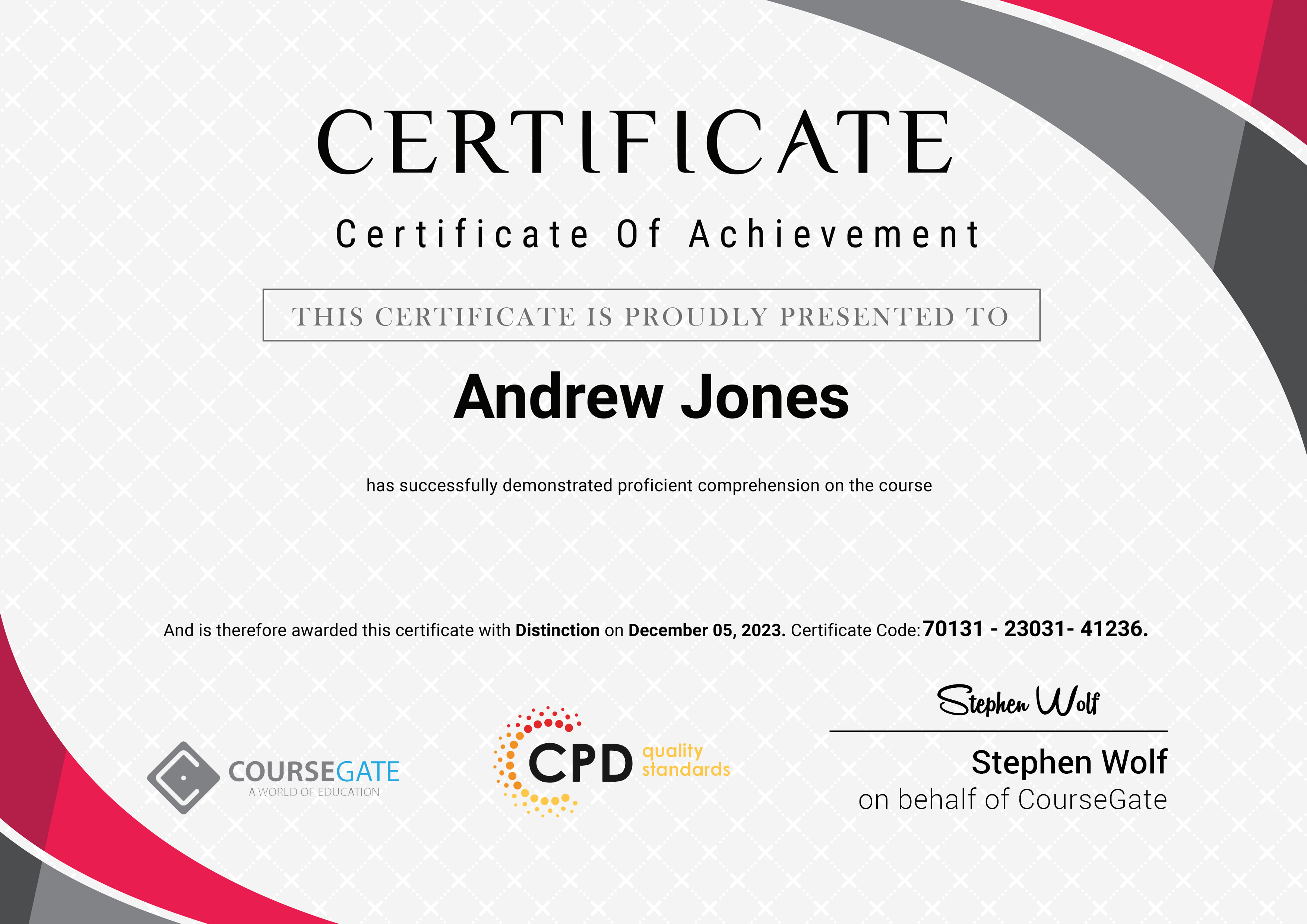
Digital Marketing Advanced Diploma Level 5
Course Reviews
88% Discount Offer Ends in
Original price was: £175.00.£21.00Current price is: £21.00.
Add to Cart
Enrol Now
Or
- Original price was: £175.00.£21.00Current price is: £21.00.
- 1 year
- Level 5
- Course Certificate
- Number of Units421
- Number of Quizzes12
- 1 day, 15 hours Gift this course
Share Link on
Instructors
Buying more than one of the same courses?
- 45% discount for orders of 10+ courses
- 55% discount for orders of 50+ courses
- 65% discount for orders of 100+ courses
Looking for a more personalised package?
contact us now









Overall Digital Skills value
Hello,
This digial marketing Advanced Level 5 course have covered almost all relevant latest skills for online marketing even though it a video.
Thanks and Kind regards,
Manfred Tanyi Takor