These terms and conditions apply to all the courses available on our website www.coursegate.co.uk
1. Enrolment
1.1. Company reserves the right to accept or decline any application for enrolment. Placing the order simply does not mean that your order has been accepted and you have been placed on the course. The company will confirm the acceptance through email.
1.2. Failure to complete the course shall not entitle you to withhold payment of fees or to receive any refund.
2. Course Materials/ Delivery
2.1. We endeavour to provide high-quality materials but do not warrant that the materials will be error-free.
2.2. Copyright of course materials is owned or licensed by Edukite London Ltd. Copying, adaptation or other use without written permission of the company is prohibited.
3. Your Personal Information
3.1. We will only use your personal information in accordance with our privacy policies.
3.2. Please email us at ([email protected]) if you desire to change your preferences regarding unsolicited commercial messages.
3.3 We have several legal bases for collecting and using the personal information described above. They are:
- 3.3.1. When we need to use your personal information to fulfil our duties under any contract we have with you (such as providing you with access to Online Courses on the Website for which you have registered or made a purchase), we will do so.
- 3.3.2. Where we have your express approval to collect, retain, and use your information for specific purposes, such as marketing and promotional emails for items on our Website.
4. Services
4.1. We will provide you with support and tuition for a period as set out in our promotional materials and website.
4.2. We reserve the right to change course materials and the awarding body we use for qualifications and will always provide an equivalent or better education.
5. Payment
5.1. The full fees of the course must be paid before you get any access; without full payment, we will not be able to give you access to the course.
6. Cancellation of regular orders
6.1 You can cancel your order for any single course up to 14 days after your order is delivered. You don’t need to give a reason for cancelling. This period allows you an unconditional right to cancel within 14 days.
6.2 How to cancel: Simply email us at [email protected] with your order details to cancel your order.
(for cancellation, rights, and refunds related to membership/subscription-related products, please refer to section 6)
7. Subscriber Warranties, Rights, Representations, & Obligations
Course Gate will authorise limited, non-exclusive, revocable, non-transferable, and non-sublicensable access to services according to your Subscription Type, subject to the following Terms of Use.
We are not bound to maintain the Course Gate Website or its current form by approving to provide access. Our company holds the authority to alter, enhance, or upgrade any service and convert your subscription to a new version at any time. The changes will be made as long as it does not deter you from receiving the services, and you will have prior notice (unless the transformation is critical for business or outside our control, in which case we will clarify).
Following the rules or regulations published by Course Gate regarding Subscriber Conduct is essential. These rules and regulations are integrated into the Terms of Use by reference. We reserve the right to refuse you access to any service if you fail to abide by these Terms of Use or lack the credibility to do so, as per the company’s review.
Course Gate is not obligated to, but may, monitor the Services or any part of that or oversee compliance with the Terms of Use at its sole discretion.
It is mandatory that all subscribers, including any other subscribers added to their membership (“Authorised End Users” or “Multi-User Subscriptions”) commit, acknowledge, and accept the following:
- There will be no unauthorised access to the third party,
- Viruses must not be accessed, stored, distributed, or transmitted by the members,
- The applicable laws and regulations must be followed when utilising the services,
- You are not authorised to rent, lease, sublicense, resell, distribute, transfer, copy, or modify the services or any of their elements,
- You are not allowed to reverse engineer or seek to construct the source code from the object code made available hereunder, nor decompile, create, or attempt to create, the source code from the object code made available hereunder,
- You must not copy, distribute, edit, publicly display, publicly perform, republish, download, store, or transmit the Services or any part of them,
- You do not have the right to remove or attempt to remove or change any copyright, trademark, or other proprietary rights notices from materials copied from the Course Gate website or Services,
- As a subscriber, you are responsible for obtaining, installing, operating, and maintaining the necessary hardware and software. In addition, it is your duty to ensure network connections and telecommunication lines required to access and use the Services,
- The Services should not be used in any way or in conjunction with any content, data, hardware, software, or other materials that may intrude or violate any third-party patent, copyright, trade secret, trademark, or intellectual property right, or anything that may constitute defamation, libel, invasion of privacy, or violation of the right of publicity or other third-party rights, or that is a violation of any law.
7.1 Right to Cancel Subscription Order
There are some courses only available for singular purchases that are not included in subscription packages. The following policies are applicable for these courses:
- The Subscriber possesses the right to cancel the order within 14 days after the order has been delivered. However, they must provide a proper reason for cancelling. This 14-day period grants a conditional right to cancel (it cannot be refunded).
- How to cancel: Simply email us at [email protected] or call us at 020 3976 7766 with the order details to cancel the order.
- According to the policies, a Subscriber can only have 50 active courses at any time.
7.2 Right to Cancel Membership
After 12 months, Course Gate memberships are renewed. However, you have the freedom to cancel your membership at any time from your account.
With the cancellation of your subscription, you will lose access to all courses you enrolled for during your membership at the end of your billing period.
You can only view recordings of classes you’ve already attended, and you won’t be able to take any new courses.
To delete the Course Gate account, please contact Course Gate support.
7.3 Cancellation-Related Changes
- Course Gate membership can be cancelled at any time.
- It can be cancelled over the phone or from your profile.
- You can also cancel your membership and benefits by going to the Membership and Payments tab, where options, such as pausing your membership or switching to a lower-cost plan, will be available.
- In case you have signed up for Course Gate using a third-party account for payment and wish to cancel your membership, cancellation may need to be done through a third party. Visit the account with the applicable third party, turn off the auto-renewal option, or unsubscribe from the Course Gate service.
- There is a cancellation feature included in the Members Area for your convenience. You can also terminate the membership by filling out the cancellation form and returning it.
7.4 The right to terminate the services
- If you do not abide by the Terms and Conditions, including payment obligations, Course Gate reserves the right to terminate access to the Services.
- You may receive a letter regarding termination of Services. You will be notified before the termination and reimbursed for the amounts paid in advance for services that are not going to be provided.
- You can renew your membership at any time in the future, even after cancelling the membership. If you are interested in renewing, the account will be charged for the following year. The plan you will receive is the same one you cancelled previously.
- The existing subscription will continue until the end of its present term. If you choose a reduced-price plan known as a ‘One Course Plan’, the present plan will switch with the One Course Plan.
- We have the right to bring changes to service plans and prices.
You will be notified in advance if there are any changes in the prices by Course Gate via the members’ user interface, payments user interface, and/or other reasonable ways, such as email.
Changes in your subscription pricing will take effect at the beginning of the next subscription month after the price change date. Therefore, we recommend reading any pricing change message carefully to avoid any issues.
Please reach out to Course Gate if you have any payment-related or other membership questions.
- There are no refund offers or credits for partial membership periods, lessons, or Courses.
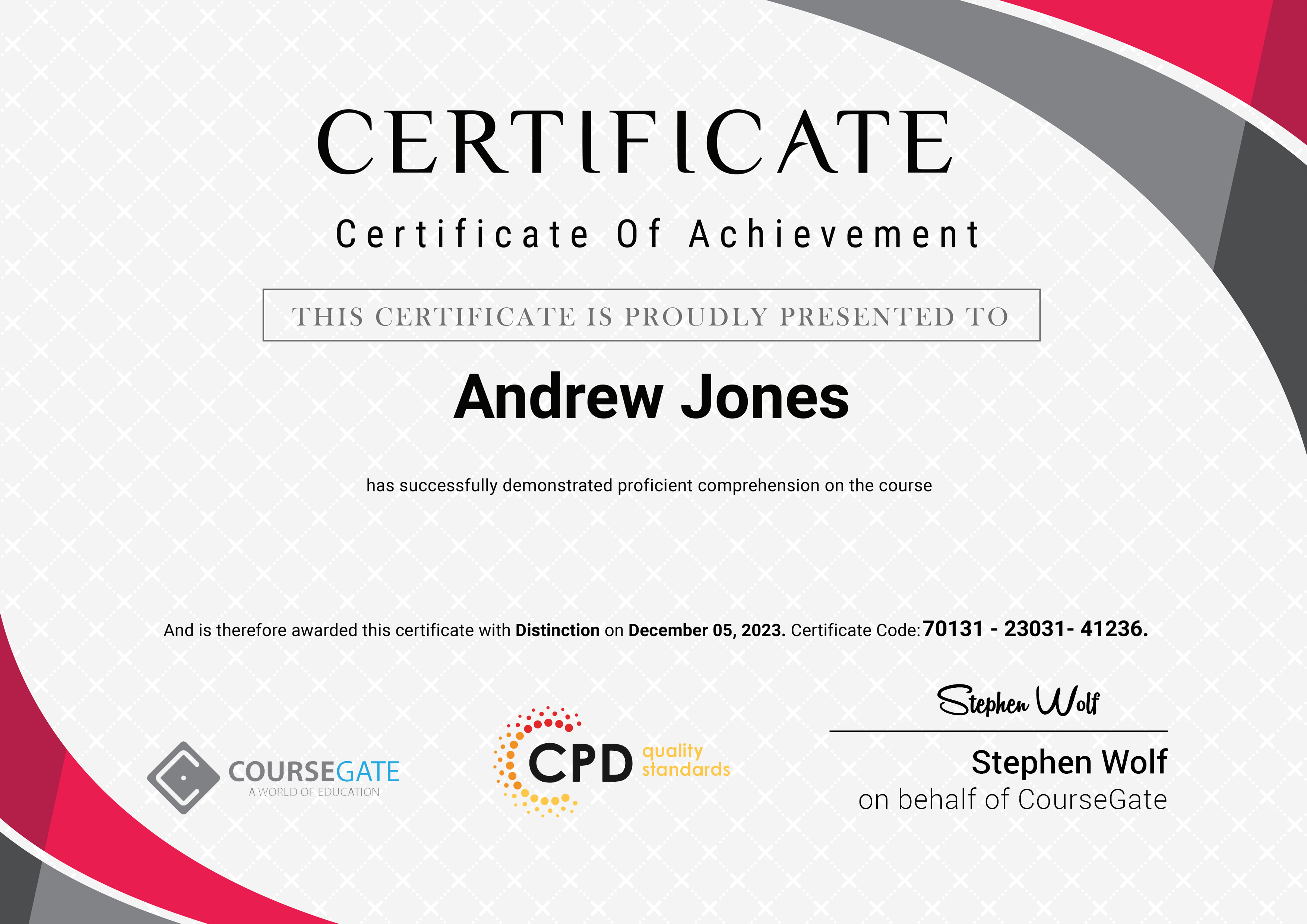
- You have to provide a reasonable cause for a refund. The causes include incorrect content or pricing, certificate, course materials, assignment retakes, or any other optional course content from the members’ area, checkout page, or any other cause deemed valid by Course Gate.
When a subscription is renewed, including purchases made via promotional communications, email, SMS, or any other method, you will get a refund only if you can present a valid reason like inaccurate content pricing or other circumstances outlined in terms of Use.
8. Limitation of Liability
8.1. Our total liability for any loss or damage caused by the use of courses, course materials, or this website will not exceed the actual payment received by us from you for the course.
8.2. We shall not be liable for any indirect loss or damage arising out of loss of profit, loss of revenue, loss of opportunity or your liabilities to third parties.
9. Lifetime Prime Membership
Lifetime Prime Membership alone does not grant access to regulated qualifications, additional content, course materials, or certifications to premium, family, per-course, or lifetime prime members. These are instead available as part of Course Gate’s special offerings or as a one-time purchase. Please note that the payment of Lifetime Prime Membership is non-refundable if purchased during a promotional campaign.
10. Termination
10.1. If you fail to pay any amount due in accordance with this Agreement or you to breach any of the terms and conditions set out in this Agreement, or any information provided by you proves to be false or incomplete, we shall be entitled to terminate this Agreement once the Default Notice period is served.
10.2. You must observe all the company’s rules applicable to the course. If you commit any breach of such rules or are guilty of any offensive behaviour, the company shall be entitled to expel you from the course without reimbursement of the fees.
10.3. Term and Renewal. Your initial yearly subscription term will be specified in your Order, and, unless otherwise specified in your Order, your subscription will automatically renew for one year.
10.4. Automatic Annual Renewal terms. We bill your credit card for the Yearly Subscription renewal fee exactly one year after the date of the activation. Unless you cancel your subscription before your billing date, you authorise us to charge the subscription fee for the next billing cycle.
11. Other Terms
11.1. This Agreement shall be interpreted in all respects in accordance with the law of England and Wales. The parties hereby submit to the exclusive jurisdiction of the English courts for the determination of any question or dispute arising in connection with this Agreement.
11.2. We reserve the right to amend these terms and conditions from time to time. Any such changes, when made, will be published on the website.
11.3. If any clause in these terms and conditions is held to be unenforceable or invalid, it will deem to be deleted, but the remaining terms and conditions will continue in force.







 Gift this course